![[LOGO]-Ulixe_Nova-positive](https://www.ulixenova.com/wp-content/uploads/2025/01/LOGO-Ulixe_Nova-positivo.png#25)


10/07/2024
SwiftUI VS UIKit: the evolution of UI Frameworks for iOS
10/11/2022
In this article, we discover the differences and the pros and cons of these two iOS frameworks to help you choose the one best suited to your needs.

SwiftUI vs UIKit? Which iOS framework to choose to develop your Apple App? Let's take a look together in this article at the evolution of the two iOS frameworks, used to build User Interfaces of Apple applications, but also at their differences, pros and cons to consider, before you start writing your code!
It's 2019 and Apple announces a new declarative framework that would allow developers to write the same UIs with less code. It is the birth of SwiftUI, which will complement the existing iOS framework: UIKit.
Index
- The evolution of iOS user interface frameworks
- Same language, many differences...
- What to expect from the future and from Apple
The evolution of iOS user interface frameworks
Let's start with the evolution of the two UI development frameworks for iOS.
Swift at the time was just under 5 years old, was in rapid ascent, still very moldable and with ample room for new integrations, as well as having many constructs modified from version to version; UIKit, its frameworkfor the iOS user interface, had been in use for much longer.
So imagine the announcement of SwiftUI on a hot June in the California summer with the crowd at the Apple Worldide Developers Conference(WWDC19) completely open-mouthed, because no one in the audience could have thought of such a surprise!
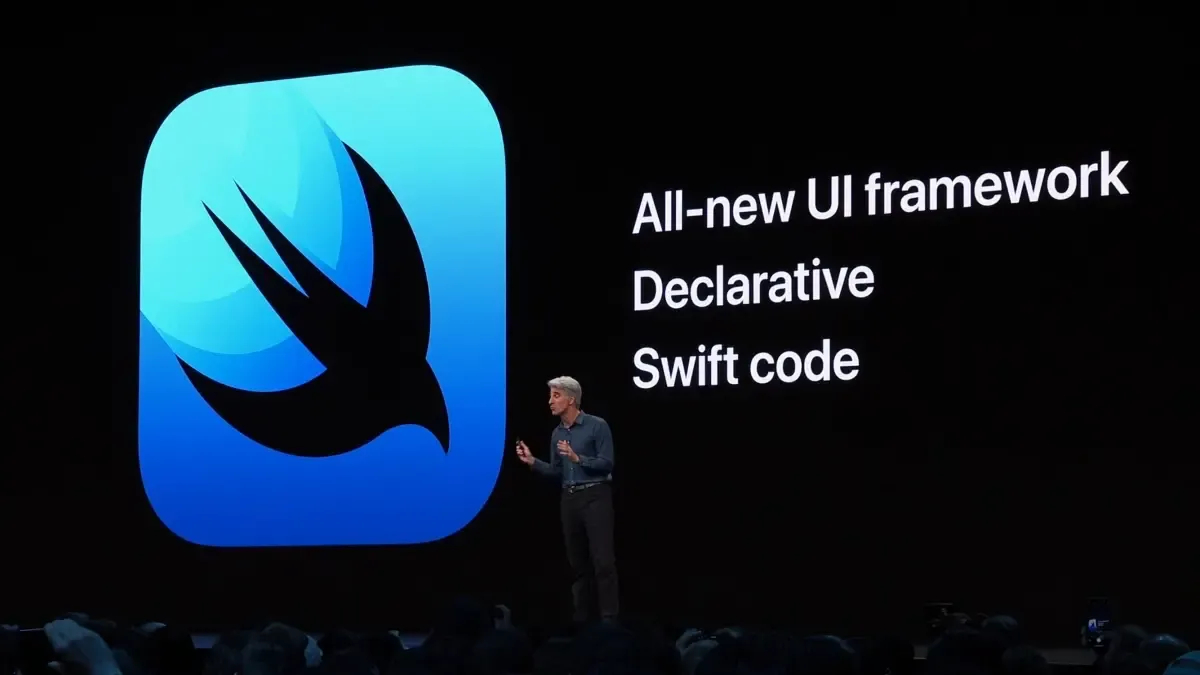
SwiftUI Presentation at Apple WWDC 2019
"First reaction, shock!" as someone would say.
Yet, 3 years later , the two frameworks coexist without stepping on each other's toes, like two diligent roommates, though each has its own peculiarities.
Let's go into more detail and try to better understand the pros and cons of this new treat.
UIKit: the iOS framework companion to a thousand projects
Present as early as iOS 2(just a few weeks ago iOS 16 came out!) and written in Objective-C, predecessor of Swift, UIKit allows you to build and manage graphical and event-based user interfaces .
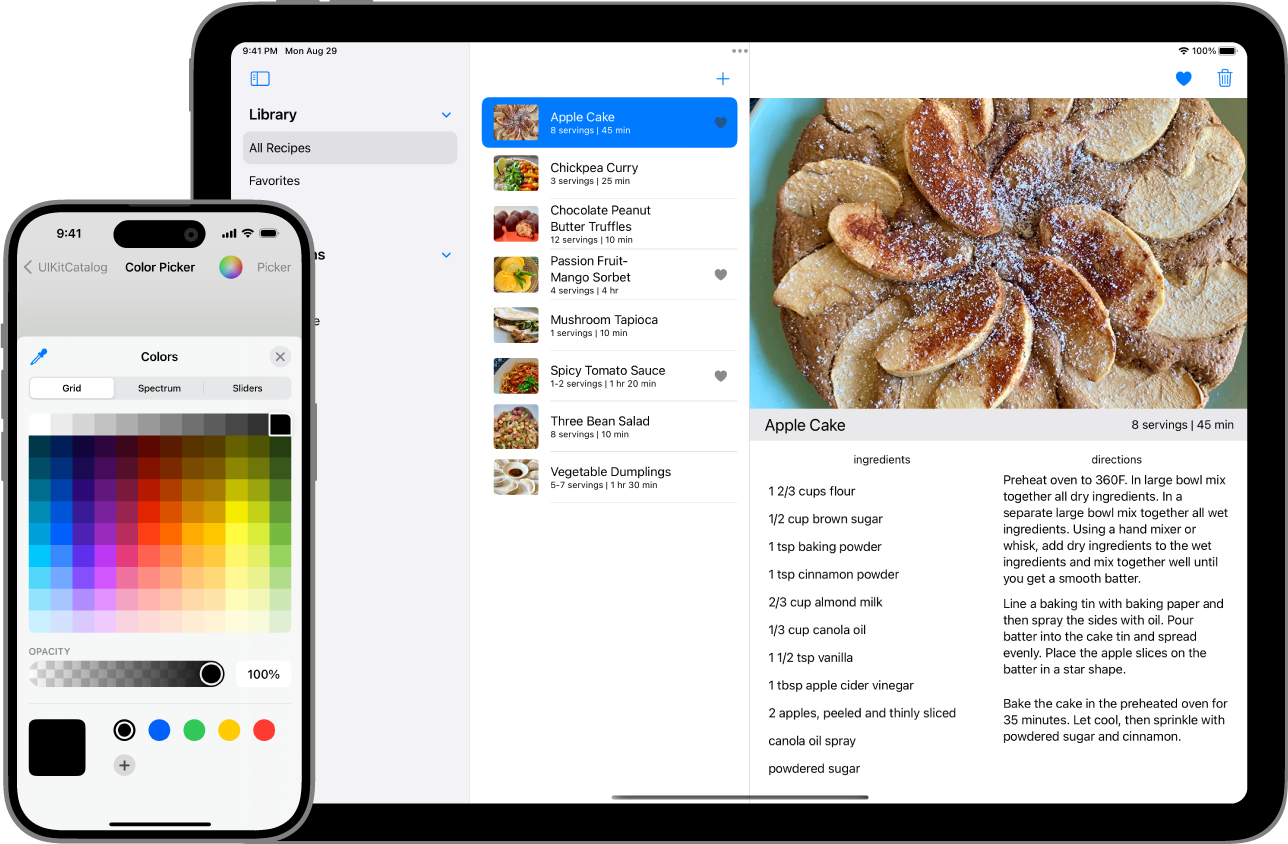
SwiftUI interface
Source: Apple Developer
UIKit is part of Cocoa Touch, one of the components of the first iOS SDK released in 2008. It contains a collection of HTML, CSS and JS components that make Apps made recognizable in the Apple style.
SwiftUI, the new coming of age
SwiftUI on the other hand is not afraid of comparison and gives its best, for example when the dev uses iOS 14 or even better iOS 15 as a minimum requirement: this allows for better integrations since its first version on iOS 13 had several limitations, one of them being the absence of spinner or progress bar that were introduced with iOS 14.
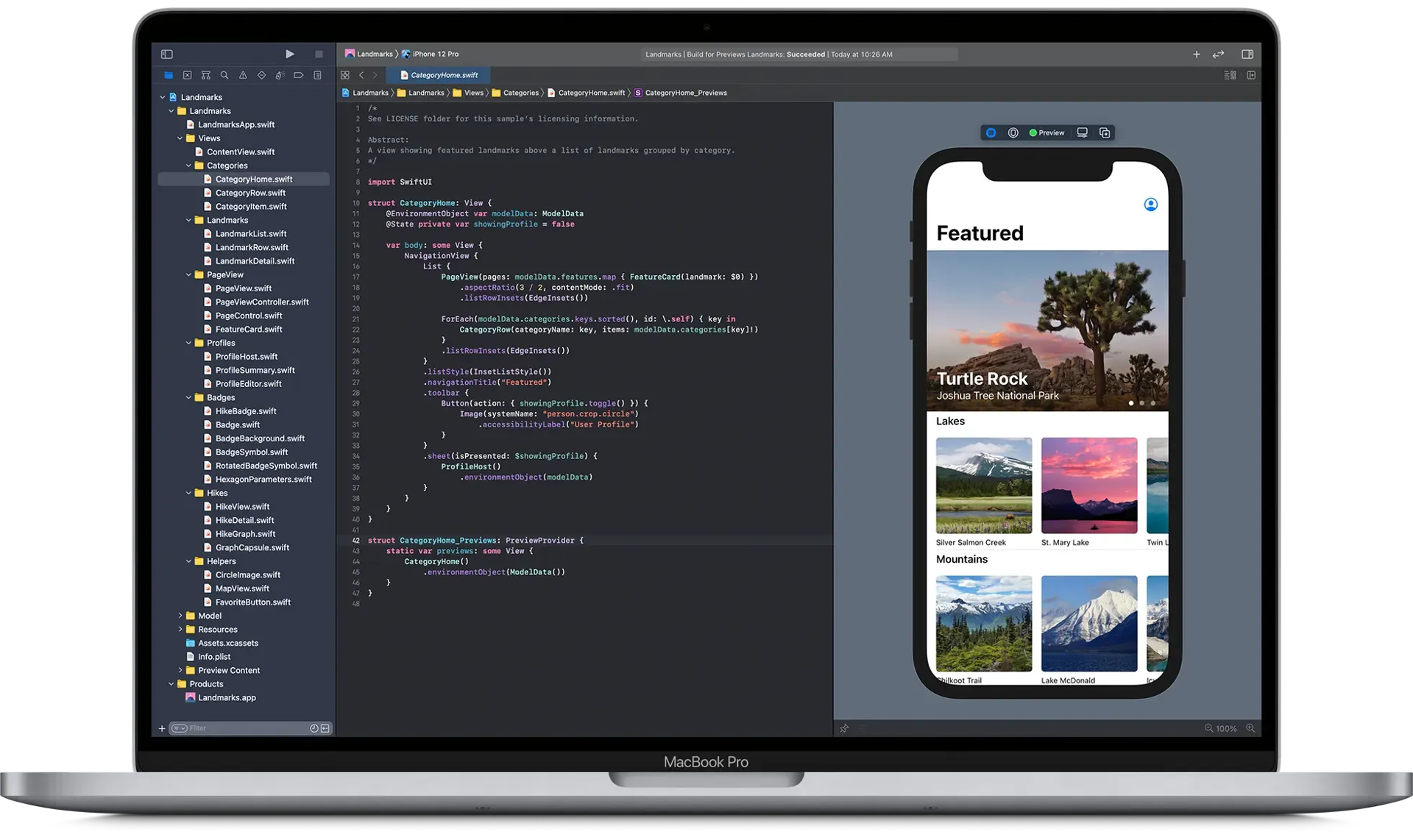
SwiftUI interface
Source: Apple Developer
One of the much-vaunted merits is having Apps with little code written and the fact that you can create cross-platform applications (Mac, iPhone or iPad) with the same code. The desire to add widgets to one's App then makes the use of this framework essential.
Same language, many differences...
But let's look at the substantial differences between the two sibling frameworks:
- programming paradigm: UIKit is an imperative type of framework in fact, we devs have to define what will be on the screen after updates and transactions from one UI state to another. In contrast, SwiftUI is a reactive type: what the user sees is a side effect of the structure View update; it is the system that does what is necessary to update the state and reflect the new state to be displayed.
- Speed of development: there seems to be a clear difference! SwiftUI, seems to be the faster horse. This is because we can have a live preview of what we are writing, reducing the number of times we test the App on the device/simulator. There is one thing, though: the youthfulness of SwiftUI can be seen in some corner-cases where UIKit is still needed. This is possible in the same way it was done between Objective-C and Swift: through a bridge that allowed both to coexist in a project, to "plug" a missing flaw in Swift.
- Minimum requirements: to be implemented SwiftUI needs at least iOS 13 as a requirement, remaining albeit lame with many additions made with later releases, UIKit on the other hand can also start from lower versions, although I personally do not recommend going below iOS 11 which has a 98% coverage of devices.
- Documentation: SwiftUI, compared to UIKit, loses some points for documentation and web help (yes stackoverflow, I'm talking about you!), but month after month this gap is being closed thanks to market demand, content creators making tutorials, and professionals answering questions.
SwiftUI vs UIKit which is the best iOS Framework? It depends
Actually, as it stands, anyone answering you would be right because the choice depends on how we will use it!
Do we want maximum control over how our App should look? Let's choose UIKit.
Do we want widgets, multicompatibility and/or high speed development? Let's turn everything over to SwiftUI.
What to expect from the future and from Apple
It is inescapable that the market will slowly push more and more for SwiftUI! It goes without saying that Apple itself will increasingly "gladden" the devs with new additions to make it the new standard for Bitten Apple Apps. I therefore recommend (as I, too, have already been doing for a few months) to start approaching the new framework as soon as possible.
Until the next article!